The hard part about quitting social media is not the deletion. It is the empty moment afterward.
You are tired. You are waiting. You are between tasks. Your thumb wants something easy. If the only replacement is discipline, social media wins. If the replacement is another app that feels just as easy but leaves you better afterward, you have a real chance.
This is a supporting guide to our broader pillar on the best apps to replace social media. Here, the focus is narrower: productive apps you can open in the exact moment you would normally open Instagram, TikTok, X, YouTube Shorts, or Reddit.
Why Normal Advice Fails
Most advice about social media sounds clean and fails in real life. Delete the apps. Use willpower. Go outside. Read a book. Fine ideas, bad timing. The urge to scroll usually arrives when you are tired, bored, stressed, procrastinating, or waiting. That version of you is not looking for a life philosophy. That version wants one easy tap.
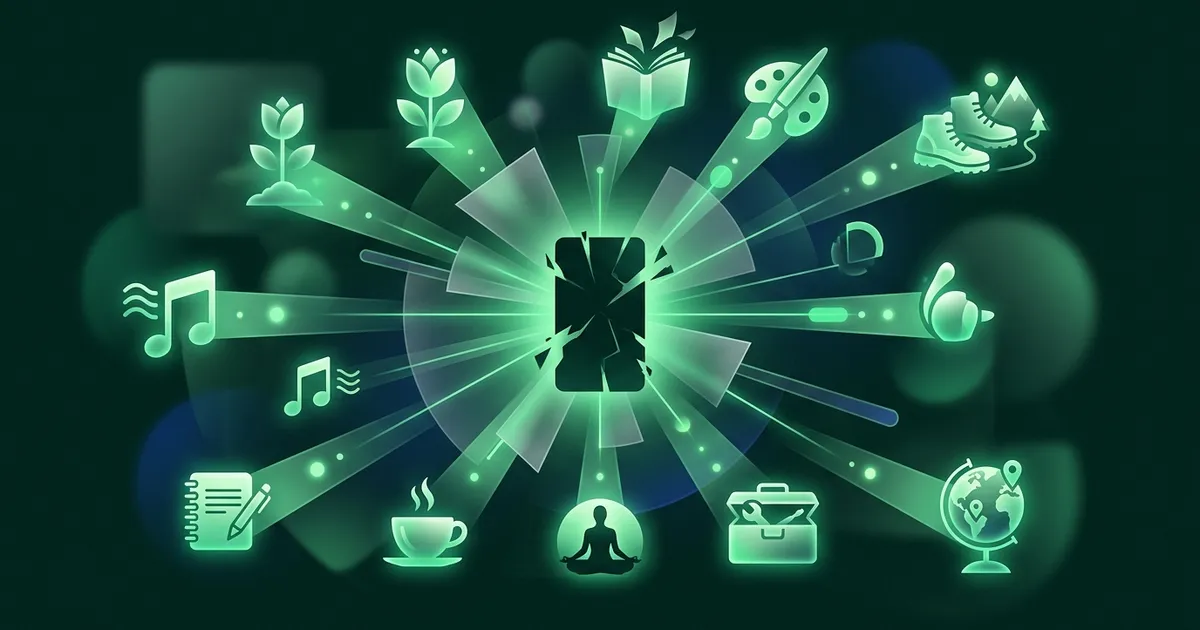
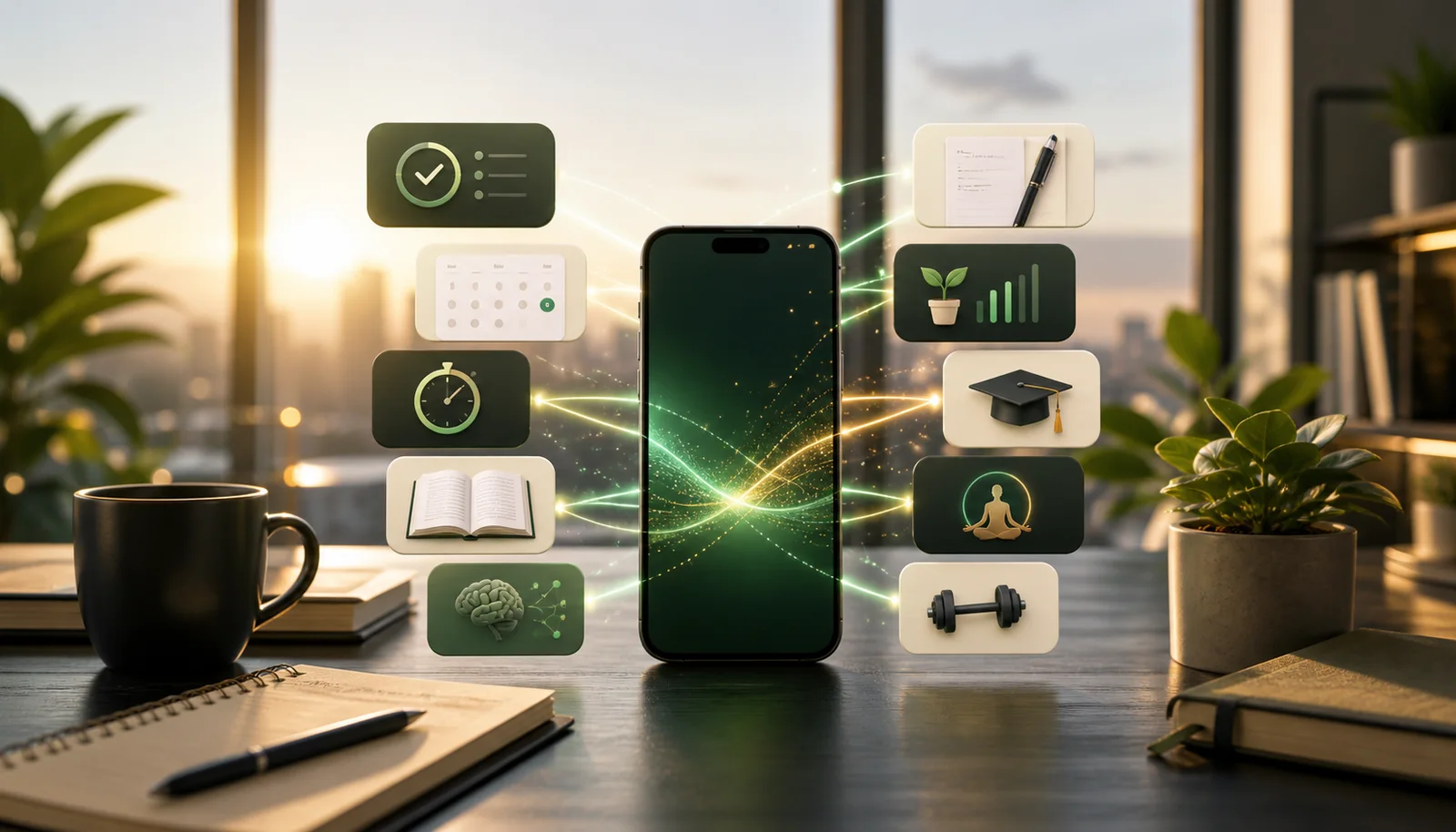
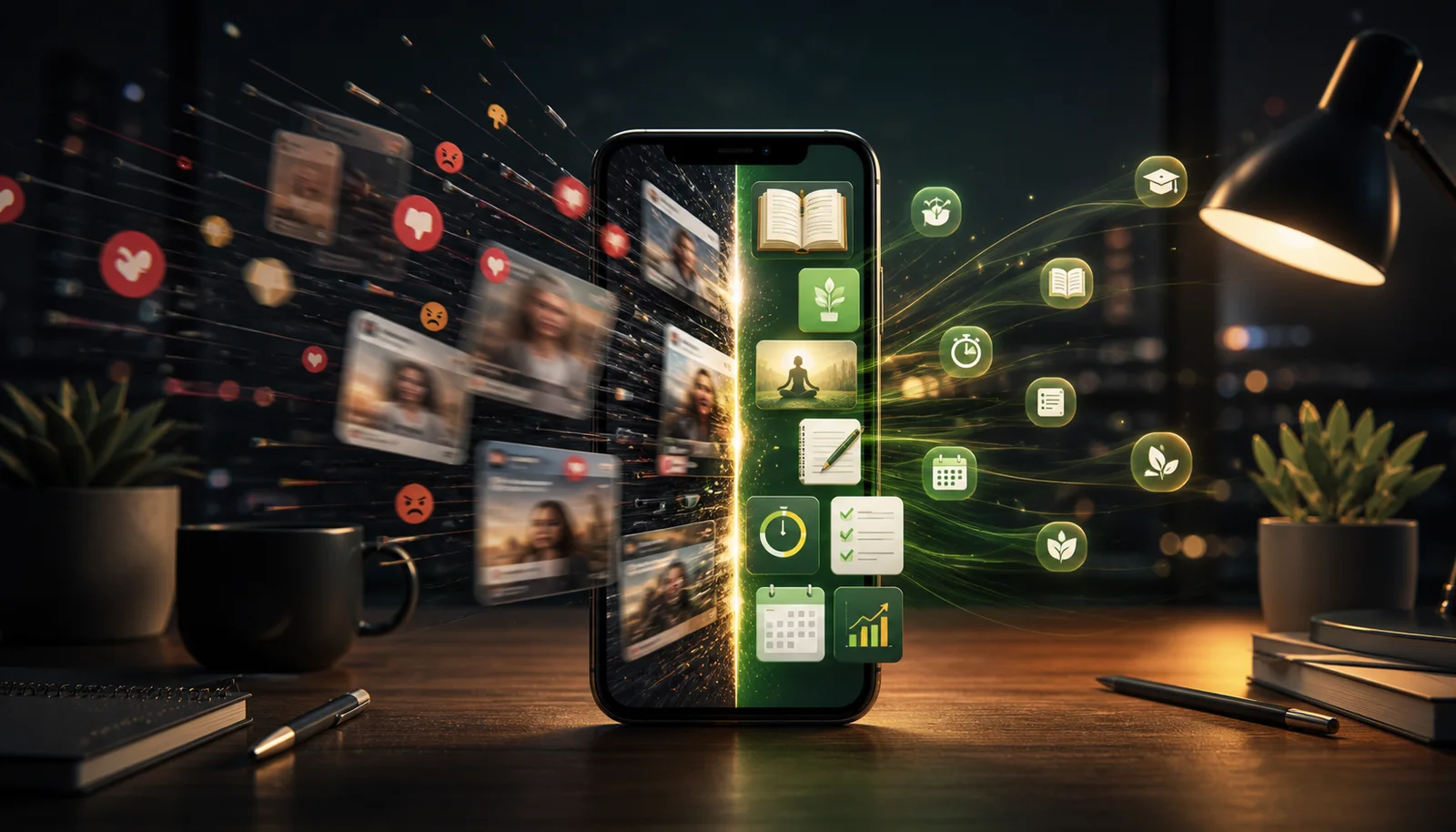
So the replacement has to respect the craving. If you want stimulation, open a learning app with fast feedback. If you want escape, open a book or saved article. If you are avoiding a task, do one tiny action in a task app. If you are anxious, use a calming app. If you are restless, move. The trick is not pretending the impulse does not exist. The trick is giving it a better place to land.
We answered that question on video first. Four and a half minutes on why deletion fails, what a replacement actually has to do, and how to make the swap survive the first two weeks.
What Counts as a Productive Social Media Replacement?
A good replacement app has to pass three tests.
It must be easy to start. If it requires setup every time, you will not use it in weak moments.
It must fit short sessions. Social media wins because it works in thirty seconds. Your replacement should work in five minutes or less.
It must leave residue. After using it, you should have learned something, cleared something, saved something, calmed down, moved your body, or made your next action easier.
These are the best productive apps instead of social media in 2026.
1. NerdSip: Best Overall Replacement
Use instead of: TikTok, Instagram Reels, YouTube Shorts, random feed checking.
NerdSip is the strongest social-media replacement when your brain wants a quick hit. It gives you short AI-powered courses on broad topics: psychology, science, history, business, health, social skills, culture, technology, and weird everyday questions. Each lesson takes about five minutes and includes a quiz, summary, XP, streaks, rewards, and visible progress.
That matters because social media is not only content. It is a reward loop. NerdSip gives your brain a loop too, but the output is knowledge. You get the feeling of progress without falling into a feed you did not choose.
Best moment: when you want to scroll but still have enough energy to learn one useful thing.
NerdSip works especially well because it does not ask you to become a different person before you open it. It meets the same quick-session need that makes feeds so addictive, then swaps the output. Instead of leaving with someone else's lunch, argument, ad, and opinion fog in your head, you leave with a small idea you can reuse.
Put it in the exact slot where your most tempting social app used to live. That sounds almost too simple, but geography matters. Your thumb has muscle memory. Let that muscle memory pay rent.
There is a real answer to the hallucination question here. Courses generate against live search, get scored nightly for content integrity, stay out of the swipe deck unless they clear the bar, and can be flagged in one tap for human review.
2. Pocket or Readwise Reader: Best for Saved Reading
Use instead of: opening news feeds or comment threads.
Pocket and Readwise Reader give you a better reading queue. Instead of letting algorithms decide what gets your next five minutes, you read something you already decided was worth saving.
Pocket is simple and friendly. Reader is stronger for newsletters, highlights, PDFs, RSS feeds, and heavier reading workflows. Both are useful because they replace passive feed consumption with chosen material.
The personality difference is simple. Pocket is the calm basket by the door: drop good links there and come back later. Readwise Reader is the command center: feeds, PDFs, newsletters, highlights, exports, review. If you only want to stop opening news feeds, Pocket is enough. If reading is part of your learning or work, Reader can become a serious advantage.
Either way, the rule is to read what you saved before you let the internet choose for you again. Past-you was probably wiser than bored-you.
3. Forest: Best for Interrupting the Reflex
Use instead of: checking social apps during work or study.
Forest is not content. It is friction. Start a timer, grow a tree, and keep your phone alone until the session ends. It turns focus into a small visible commitment.
If you need a no-install option, NerdSip also has a free Pomodoro timer that pairs focus sessions with tiny learning breaks.
4. Todoist or TickTick: Best for One Tiny Task
Use instead of: scrolling to avoid something small.
Sometimes the urge to scroll is really task avoidance. Todoist and TickTick help because you can open the app and finish one small thing: reply to a message, schedule an appointment, capture an errand, clear a recurring task, or plan the next step.
The trick is to keep it tiny. Do not open your task app and reorganize your life. Do one thing. Then leave.
This is not glamorous, which is exactly why it works. Social media often becomes a hiding place from one stupidly small task: send the file, book the appointment, answer the text, move the laundry, write the first sentence. A task app gives you a clean target. One checkmark can break the avoidance loop better than another motivational video about discipline.
5. Notion or Apple Notes: Best for Capturing Ideas
Use instead of: numbing out when your brain has something to say.
Notes apps are underrated social media replacements because a lot of scrolling starts from mental static. You have a thought, worry, plan, memory, or idea, but instead of writing it down, you bury it under content.
Open Notes or Notion and capture one sentence. That is enough. The goal is not a perfect second brain. The goal is to stop treating your own thoughts as less important than strangers' posts.
If you do this for a week, you will probably notice something uncomfortable: you had more thoughts than you were giving yourself credit for. Some are useful. Some are dramatic. Some are nonsense. All of them are more yours than a feed. Capturing one line gives your mind a small exit ramp instead of sending it into traffic.
6. Duolingo or Brilliant: Best for Skill Practice
Use instead of: short entertainment breaks.
Duolingo works when you want a fast, gamified language session. Brilliant works when you want interactive STEM and logic problems. Both are productive because they demand a little effort and give you fast feedback.
If your interests are broader than languages or STEM, use NerdSip as the general-knowledge version of this habit.
7. Headspace: Best for Calming Down
Use instead of: anxiety scrolling.
Not every social media urge is boredom. Sometimes it is stress. Headspace works well when you are using feeds to avoid your own nervous system. A three-minute breathing session is not glamorous, but it can stop the spiral before it becomes an hour.
If meditation apps are not your thing, even a timer plus slow breathing is better than feeding your anxiety more inputs.
Stress scrolling feels like soothing because it changes the channel quickly. The problem is that it usually adds more inputs to a system that is already overloaded. A breathing session is boring in the best possible way. It lowers the volume instead of changing the song every two seconds.
8. One Sec or Opal: Best for Adding Friction
Use instead of: relying on willpower.
One Sec interrupts app openings with a breathing pause. Opal blocks apps during focus windows. These tools are not replacements by themselves, but they create the gap where a replacement can win.
The best setup is friction plus a better option. Block or slow the social app, then put NerdSip, Pocket, Forest, or Todoist where your thumb already goes.
Friction tools are strongest when they are humble. They will not fix your entire attention life. They will create a pause. That pause is where choice becomes possible again. Without a replacement app ready, the pause just becomes an annoying speed bump. With a replacement ready, it becomes a redirect.
9. Strava or Nike Training Club: Best for Movement
Use instead of: couch scrolling when your body needs a reset.
Sometimes the productive move is not another screen. Strava makes walks, runs, and rides visible. Nike Training Club gives you guided workouts. Both are useful because they turn the restless urge for stimulation into motion.
This option is especially good when you have already consumed too much information. There is a point where the next useful input is not another article, lesson, podcast, or take. It is blood moving through your body. A ten-minute walk can do more for your afternoon than fifty saved posts about optimizing your afternoon.
Match the App to the Craving
The best replacement depends on what the scroll urge is trying to do for you.
- If you want stimulation: open NerdSip, Duolingo, or Brilliant.
- If you want escape: open Pocket, Readwise Reader, Libby, or Kindle.
- If you are avoiding something: open Todoist or TickTick and do one tiny task.
- If you feel mentally noisy: open Apple Notes or Notion and write one sentence.
- If you feel anxious: open Headspace or a breathing timer.
- If you feel restless: open Strava or Nike Training Club and move.
- If you keep opening social apps automatically: add One Sec or Opal.
This matters because not all scrolling is the same. Boredom scrolling, anxiety scrolling, avoidance scrolling, and exhaustion scrolling need different replacements. Use the right tool and the change feels much less heroic.
The Home Screen Swap
Do not rely on motivation. Change the geography of your phone.
- Move TikTok, Instagram, X, Reddit, and YouTube off the home screen.
- Put one replacement in the same thumb zone.
- Choose the replacement by craving: learning, reading, focus, task, note, calm, skill, friction, or movement.
- Use the replacement for five minutes before you allow yourself to open social media.
This works because you are not trying to kill the impulse. You are rerouting it.
The 7-Day Replacement Test
Try this for one week. Pick one social app that wastes the most time. Move it off the home screen. Put one replacement app in its old position. For seven days, every time you reach for the social app, open the replacement first for five minutes.
Do not track twenty metrics. Track one thing: did the replacement leave you better than the feed would have? If yes, keep it. If no, swap the replacement. The goal is not moral purity. The goal is to make your default a little smarter without turning your phone into a punishment device.
Apps to Scroll Instead of Social Media
If you searched for apps to scroll instead of social media, the honest answer is: be careful. Replacing one endless feed with another endless feed is not much of an upgrade. The better move is to choose apps that feel easy but have natural stopping points.
NerdSip has short lessons. Duolingo has sessions. Brilliant has problems. Pocket has saved articles. Wikipedia has rabbit holes, but at least those rabbit holes build context. The goal is not more scrolling. The goal is a better default for the moment when your hand reaches for the feed.
For a broader list, read our guide to productive screen time apps. For the full replacement strategy, start with best apps to replace social media.
Bottom Line
The best productive app instead of social media is the one that wins in the real moment: tired, bored, stressed, waiting, distracted, or avoiding something. NerdSip is the best overall pick when you want quick stimulation that makes you smarter. Pocket, Reader, Libby, and Kindle are better when you want depth. Forest, One Sec, and Opal help when the reflex is too automatic. Todoist, TickTick, Notes, and Notion help when scrolling is really avoidance. Movement apps help when your body needs the reset your feed keeps pretending to offer.
Replace one reflex first. Make that one reflex useful. Then build from there.
Frequently Asked Questions
What are the best productive apps instead of social media?
The best productive apps instead of social media are NerdSip for learning, Pocket or Readwise Reader for reading, Forest for focus, Todoist or TickTick for small tasks, Notion or Apple Notes for ideas, Duolingo or Brilliant for skill practice, Headspace for calming down, One Sec or Opal for app-blocking friction, and Strava or Nike Training Club for movement.
What are good apps to scroll instead of social media?
If you want apps to scroll instead of social media, choose apps with short, useful sessions: NerdSip for bite-sized lessons, Pocket for saved articles, Duolingo for quick language practice, Brilliant for interactive problems, or Wikipedia for rabbit holes. The goal is not endless scrolling. It is a better default when your thumb wants something to do.
How do I replace social media with productive apps?
Move social apps off your home screen and put one productive replacement in the same spot. When you reach for Instagram or TikTok, open that replacement first for five minutes. NerdSip works well because it matches the quick-hit habit while giving you knowledge instead of noise.
Every NerdSip course clears a four-layer fact-checking pipeline before it reaches the app: grounded in live sources, scored nightly, gated on failure, and reviewable by a person at one tap. Articles on this blog are drafted with AI assistance, then researched, verified, and edited by our team.
Editorial responsibility: Philip S., ai51 UG (haftungsbeschränkt) — contact via imprint.
📚 Keep Learning
- 10 Best Apps to Replace Social Media in 2026 (That Actually Work)
- Best Apps to Use Instead of Social Media (Sorted by What You Actually Crave)
- 10 Best Apps for Productive Screen Time in 2026 (Make Your Phone Worth It)
- 7 Best Apps to Stop Doomscrolling in 2026 (That Actually Work)
- 15 Things to Do Instead of Scrolling Your Phone (That Don't Suck)
- How to Turn Scroll Addiction Into Learning: Break the Dopamine Loop
- 11 Best Productive Apps in 2026: Tools That Actually Make Your Phone Useful
Explore the NerdSip learning hubs
The blog is our editorial layer. When you want to move from reading into doing, these hubs organize the rest of NerdSip by format, including the app itself and the press that has written about it.
Replace One Scroll With One Lesson
Open NerdSip when you would normally open a feed. Five minutes, one useful idea, a quiz, XP, and a better reason to keep coming back.