Most screen time advice is still stuck in 2018. Delete apps. Turn your phone grayscale. Lock it in a drawer. Go touch grass. Some of that helps for a weekend. Very little of it survives real life.
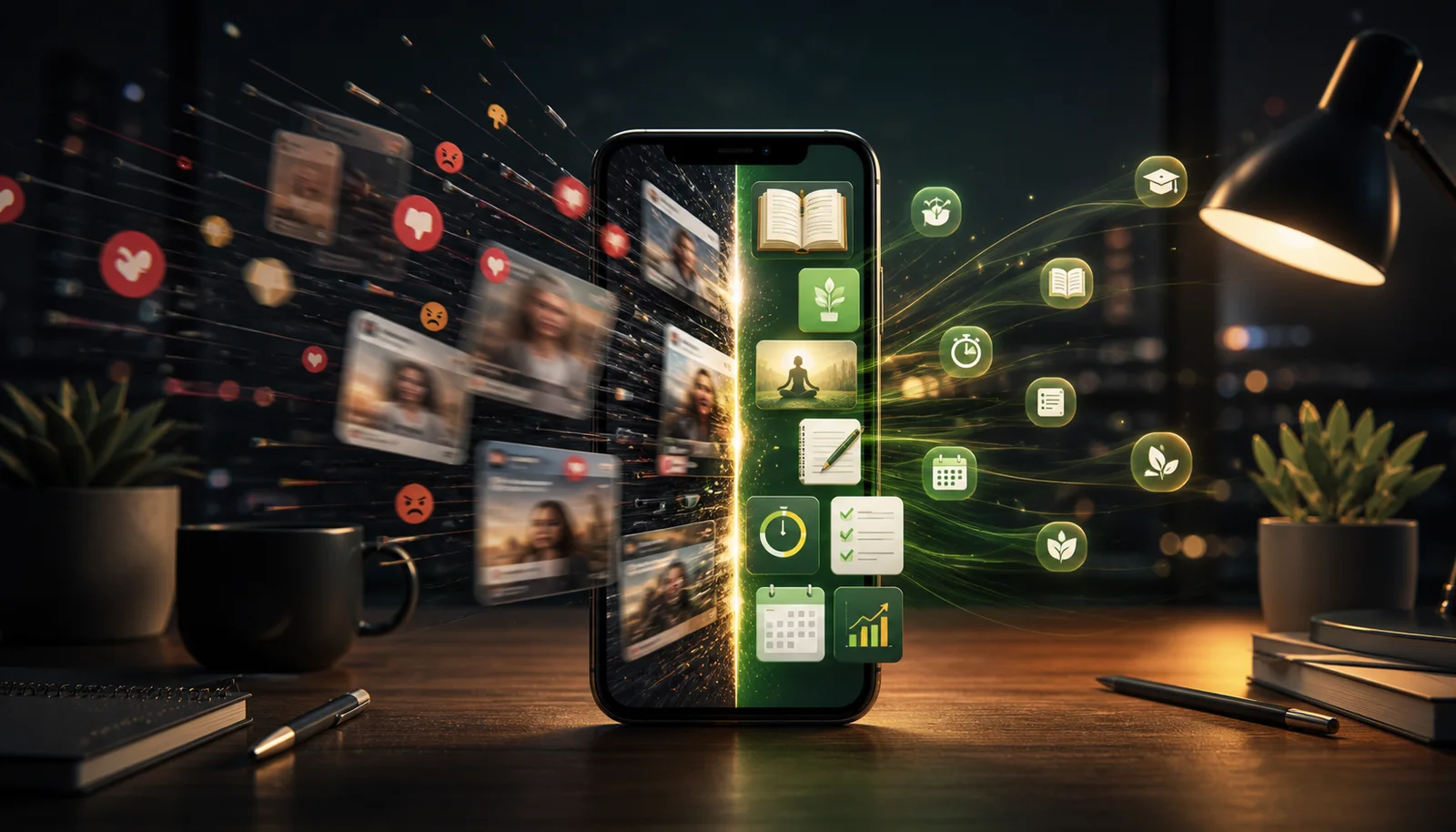
Your phone is not leaving your life. It is your map, camera, calendar, notebook, messenger, reader, music player, and boredom machine. The smarter question is not how to have less screen time. It is how to have screen time that leaves you better off when you put the phone down.
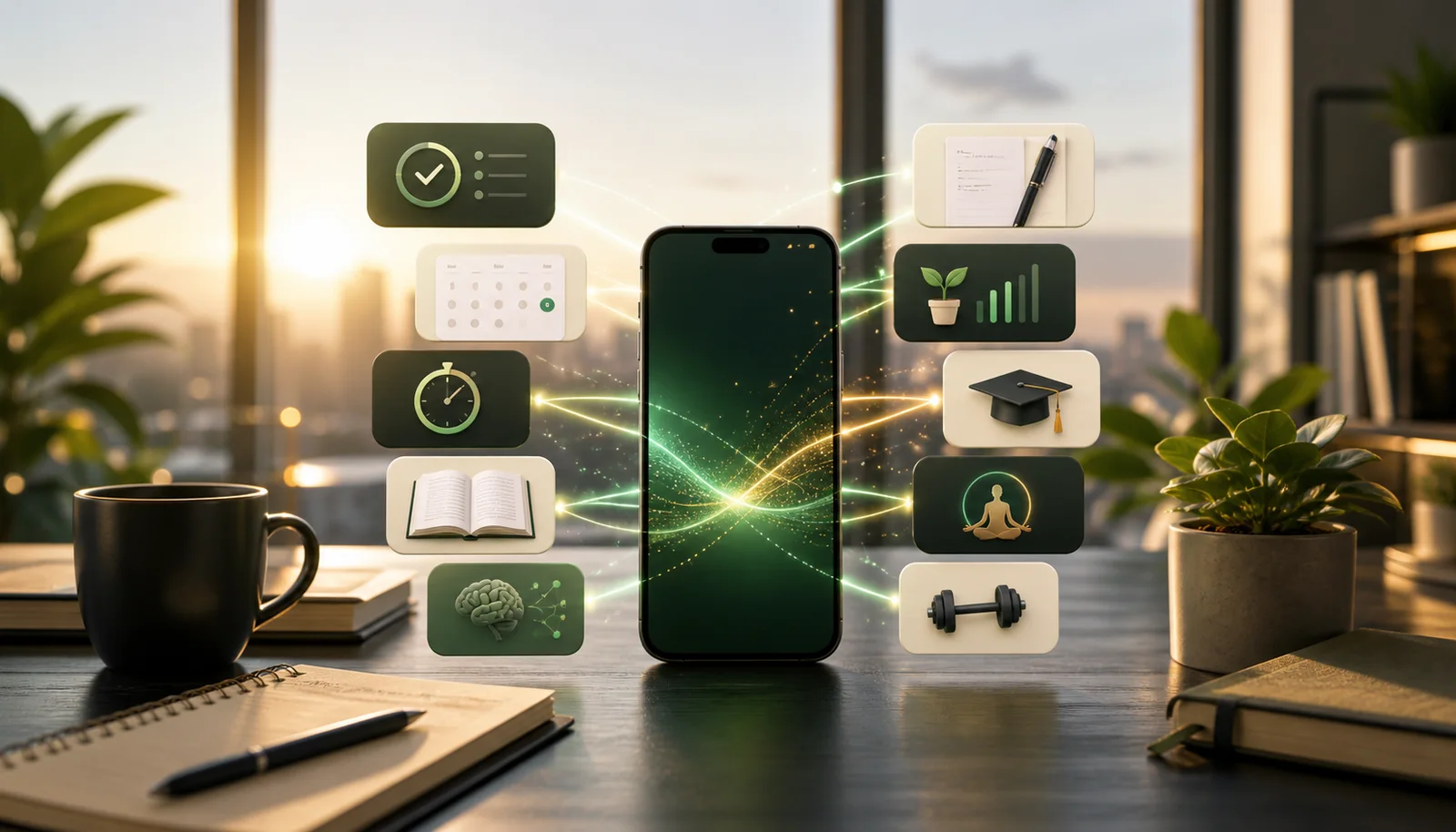
That is the whole idea behind productive screen time. Same device. Same spare moments. Different result. Instead of finishing a session with vague guilt and no memory of what you just consumed, you finish with a lesson learned, a chapter read, a workout logged, a plan captured, or your nervous system a little calmer than before.
Below are the ten apps that do that best in 2026. They are not all productivity apps in the narrow, spreadsheet-and-task-manager sense. They are productive because they create a return on attention.
What Makes Screen Time Productive?
A useful rule is this: when you close the app, are you measurably better off than when you opened it?
If the answer is yes, the time was productive. You learned something. You remembered something. You moved your body. You reduced stress. You organized information. You read pages that changed how you think. If the answer is no, the app probably extracted attention without returning much value.
The best productive apps share four traits. They fit into short sessions. They make progress visible. They reduce friction instead of adding it. And they give your brain a real reason to come back. That last point matters more than most people realize. The reason passive apps dominate screen time is not just because people are lazy. It is because those apps are easier to repeat. The best productive apps solve that problem by making repetition rewarding.
1. NerdSip
Best for: turning idle phone moments into actual learning
NerdSip is the strongest overall app on this list because it solves the exact problem most people are trying to solve when they search for productive screen time. They want something that is as easy to open as social media, but vastly more useful once it is open.
Each lesson takes about five minutes. You get a concept, a visual infographic, a quick quiz, and a takeaway that sticks. The library spans psychology, science, history, social skills, health, philosophy, and more, and the AI course generation means you are not boxed into a fixed catalog.
What makes it work is the gamification layer. XP, streaks, loot drops, leaderboards, progression. Those mechanics are not decoration. They are the bridge between intention and repetition. Most people do not fail at learning because they hate learning. They fail because educational products are bad at getting people to return tomorrow. NerdSip is built around return behavior.
If you want one app that makes your phone time feel less empty almost immediately, start here. It is also the most natural complement to your existing social-media-replacement stack because it slots into the exact same five-minute windows.
There is a real answer to the hallucination question here. Courses generate against live search, get scored nightly for content integrity, stay out of the swipe deck unless they clear the bar, and can be flagged in one tap for human review.
2. Kindle
Best for: replacing short bursts of scrolling with reading that compounds
The Kindle app does one thing very well: it turns your phone into a book that is always with you. That sounds almost too obvious to mention, but it matters because most reading habits die on logistics. The book is at home. The moment is now. The phone wins by default.
Kindle removes that excuse. Waiting room, train platform, line at the grocery store, ten minutes before bed. Those moments can become pages instead of feed refreshes. Over a year, that adds up to a surprising number of books.
The sync features are excellent, the reading experience is clean, and dictionary lookup makes it especially good for nonfiction and denser books. If your screen habit is mostly content consumption, Kindle is one of the cleanest upgrades you can make.
3. Libby
Best for: free productive screen time through public-library access
Libby is one of the highest-value apps on any phone because it unlocks something many people already have but barely use: the public library. With a library card, your phone becomes a free bookstore and audiobook shelf.
That matters for productive screen time because cost is often the silent reason people drift back to passive apps. Social media is free. Learning products often are not. Libby removes that tradeoff for reading. You can open the app and immediately borrow something worthwhile without paying another monthly subscription.
If you want your phone to make you more informed, calmer, and more articulate over time, Libby is one of the best installs you can make. It pairs especially well with Kindle because it gives you the content while Kindle handles purchased titles and personal libraries.
4. Duolingo
Best for: language learning that fits into tiny daily sessions
Duolingo remains one of the best examples of productive screen time because it understands habit better than most educational products. It does not ask for an hour. It asks for a few minutes, then makes those minutes feel meaningful.
The lessons are short, the feedback is instant, and the streak system creates a strong sense of continuity. After a month, your screen time has not just been productive in a vague self-improvement sense. It has been productive toward a concrete skill. You will know more vocabulary, hear patterns more quickly, and feel measurable progress.
If your best self never seems to have time for a language course, Duolingo works because it slides under that resistance. It is one of the best examples of a phone doing what only a phone can do well: frequent, low-friction repetition.
5. Brilliant
Best for: people who want their screen time to sharpen reasoning
Brilliant is productive screen time in the purest sense because it demands active thought. You cannot zone out through a Brilliant session. The app asks you to solve, predict, reason, and test your understanding in real time.
That makes it especially strong for math, science, data analysis, and computer science topics where passive reading gives a false sense of understanding. Brilliant forces contact with the material. The reward is that even short sessions feel cognitively substantial.
It is more expensive than some of the other apps here, so it makes the most sense for people who know they want STEM-focused skill building. But if that is your lane, it turns otherwise disposable phone time into something close to training.
6. Forest
Best for: making your phone useful by helping you stop using it at the right times
Forest deserves a spot because productive screen time is not only about what you do on screen. Sometimes the most productive role for your phone is to help you protect your attention from itself.
The concept is simple. Start a timer, grow a tree, and if you leave the app early, the tree dies. The mechanism sounds silly until you use it and realize how effective a visible consequence can be for interrupting compulsive checking.
Forest works particularly well for study blocks, writing sessions, deep work, and evening wind-down time. It is the perfect counterweight to the other apps on this list. Use NerdSip, Kindle, or Duolingo during spare moments. Use Forest when you need the phone to become a guardrail instead of a destination.
7. Headspace
Best for: turning stressed screen time into recovery time
A lot of bad phone use is not really about boredom. It is about emotional regulation. You are restless, overstimulated, anxious, or tired, and scrolling feels easier than sitting with any of that.
Headspace is productive because it addresses that state directly. Short guided sessions, breathing exercises, sleep content, and focus audio all turn the phone into a regulation tool instead of a stimulation machine. That matters more than it sounds. Better regulation leads to better decisions everywhere else on the phone too.
If your worst screen time tends to happen late at night or during stressful workdays, Headspace is one of the smartest swaps available.
8. Strava
Best for: making your phone support movement rather than sedentary habits
Strava proves that not all social mechanics are bad. The app keeps the motivational parts of social platforms while tying them to something real: runs, rides, walks, hikes, and workouts.
That means your phone becomes a feedback tool for physical activity instead of a device that quietly encourages more sitting. The activity log, route tracking, progress history, and community features all work together to make movement feel visible and rewarding.
For people who like the sense of momentum and recognition that social apps provide, Strava is a much healthier version of the same psychological loop. The validation is attached to effort, not performance for a feed.
9. Notion
Best for: capturing ideas and turning scattered phone use into organized thinking
Notion makes this list because productive screen time is not just about consuming better content. It is also about making your phone a place where ideas go to become useful.
Notes, reading lists, content plans, project docs, goal trackers, second-brain databases. Notion can hold all of that. More importantly, it turns the impulse to pick up your phone into an opportunity to capture something that would otherwise evaporate.
If you often bounce between apps, tabs, screenshots, and half-remembered thoughts, Notion gives that chaos a home. It is especially strong when paired with learning apps because it lets you keep what you are learning instead of treating every insight like disposable content.
10. Pocket and Feedly
Best for: replacing algorithmic feeds with intentional information
Pocket and Feedly solve a slightly different problem, so they earn a shared spot. Pocket helps you save the good stuff you discover and read it later without clutter. Feedly helps you build a feed from sources you deliberately choose. Together, they turn information consumption from reactive to intentional.
This is productive screen time for people whose social-media habit is really a curiosity habit. You do want articles, ideas, industry news, and smart longform writing. You just do not want all the algorithmic junk that comes bundled with it on big social platforms.
Use Feedly to gather trusted sources. Use Pocket to save what is worth deeper attention. It is a calmer, cleaner, and far more intelligent information diet.
How to Build a Productive Screen-Time Stack
You do not need ten new apps. You need the right three.
A good setup usually looks like this:
- One growth app: NerdSip, Duolingo, or Brilliant
- One reading app: Kindle or Libby
- One control app: Forest or Headspace
That combination covers the three biggest reasons people pick up their phones: boredom, curiosity, and stress. If you want an even more practical rule, replace your top passive app with one active app that scratches the same itch. If you scroll for novelty, use NerdSip. If you scroll to read, use Kindle or Pocket. If you scroll because your brain feels noisy, use Headspace. If you scroll to avoid starting work, open Forest instead. This NerdSip app review is a useful companion if you want the app-specific breakdown.
Placement matters too. Put the productive apps where your thumb already goes. Do not make good behavior harder than bad behavior.
Productive screen time is one slice of a bigger question. For the wider view, our list of the 16 best self-improvement apps in 2026 covers learning, focus, sleep, fitness and money, and names the apps that did not survive the cut.
The Real Goal
The goal is not to become a monk with a dead battery. The goal is to make your phone worth having in your hand so often. That is a more realistic, and much more profitable, relationship with technology.
Productive screen time compounds quietly. A few pages a day become books. Five-minute lessons become expertise. Small focus blocks become finished work. Logged walks become months of movement. Calm evenings become better sleep.
Your phone is already one of the most repeated behaviors in your life. If you can turn even part of that repetition toward things that build you up, the payoff is huge.
Start with one swap. Then another. The device stays the same. What it does to your life does not.
One swap at a time also means one app at a time. Our shortlist of the self-improvement apps that actually work matches each app to the one problem it fixes, so you can choose without downloading nine.
Frequently Asked Questions
What are the best apps for productive screen time?
The best productive screen time apps in 2026 include NerdSip for general learning, Kindle and Libby for reading, Duolingo for languages, Brilliant for STEM, Notion for organization, Forest for focus, Headspace for mindfulness, Strava for fitness, Pocket for saved reading, and Feedly for curated information.
How can I make my screen time more productive?
Replace your most-used passive apps with intentional ones. Put one learning app, one reading app, and one focus app on your home screen. The simplest setup is NerdSip for short learning sessions, Kindle or Libby for reading, and Forest for focus blocks.
Is all screen time bad?
No. Passive screen time often leaves you with nothing to show for it, but active screen time can improve knowledge, attention, fitness, and wellbeing. The difference is whether the app asks you to think, learn, create, or act.
What is the best app to replace mindless scrolling?
NerdSip is the strongest overall replacement because it matches the short-session, high-reward feel of scrolling while adding quizzes, retention, and real progress. If your scrolling habit is more about reading, Kindle or Libby are better fits. If it is about focus, Forest works well.
Every NerdSip course clears a four-layer fact-checking pipeline before it reaches the app: grounded in live sources, scored nightly, gated on failure, and reviewable by a person at one tap. Articles on this blog are drafted with AI assistance, then researched, verified, and edited by our team.
Editorial responsibility: Philip S., ai51 UG (haftungsbeschränkt) — contact via imprint.
📚 Keep Learning
- 11 Best Productive Apps in 2026: Tools That Actually Make Your Phone Useful
- 9 Best Productive Apps Instead of Social Media in 2026
- 10 Best Apps to Replace Social Media in 2026 (That Actually Work)
- 7 Best Knowledge Apps to Replace TikTok in 2026 (Real Learning, Not Clips)
- 15 Things to Do Instead of Scrolling Your Phone (That Don't Suck)
- How to Turn Scroll Addiction Into Learning: Break the Dopamine Loop
- Best Self-Improvement Apps (No BS): 12 That Actually Work
Explore the NerdSip learning hubs
The blog is our editorial layer. When you want to move from reading into doing, these hubs organize the rest of NerdSip by format, including the app itself and the press that has written about it.
Turn Screen Time Into Skill Time
NerdSip gives you 5-minute lessons, quizzes, streaks, and AI podcasts so your phone builds knowledge instead of draining attention.