You are bored, your hand moves before your brain does, and suddenly your phone is open. This is the exact moment most advice gets wrong.
The usual answer is restriction: delete apps, block websites, turn the screen gray, hide the phone in another room. Sometimes that helps. But boredom does not disappear just because Instagram is harder to reach. The empty moment is still there. The craving for novelty is still there. Your brain still wants something quick, low-friction, and slightly rewarding.
That is why the better question is not, How do I stop opening my phone? It is: What should I open instead?
The best productive apps for boredom do not feel like homework. They give you a clean little payoff: one thing learned, one page read, one idea captured, one focus block started, one stress loop interrupted. They work because they replace the habit instead of only shaming it.
What Makes an App Productive When You're Bored?
A productive bored-phone app has three jobs.
- It starts fast. If it takes too much setup, the feed wins.
- It gives a small finish line. One lesson, one article, one note, one timer, one question.
- It leaves residue. You put the phone down with a fact, a calmer nervous system, a saved idea, or a next step.
That last word matters: residue. Social feeds often vanish from memory the moment they end. A productive app should leave something behind.
1. NerdSip
Best for: replacing bored scrolling with quick learning
NerdSip is the easiest first swap because it matches the shape of the habit you are trying to replace. You are bored. You want novelty. You want something short. You do not want to commit to a serious study session. NerdSip turns that tiny window into a micro-course, quiz, infographic, or audio-style review.
The key is that it gives your brain the same quick-start reward as social media, but with a better ending. Instead of fifteen minutes of half-remembered clips, you leave with one clear concept: why a cognitive bias works, how a science idea fits together, what a historical event changed, or how a social skill actually functions.
Open it when you would normally check a feed in line, on the couch, between tasks, or before bed. Pick one topic. Finish one lesson. Stop there if you want. That is the whole point: tiny enough to start, useful enough to repeat.
The accuracy stack is the quiet reason this sits at the top. Courses are grounded in live search when they generate, scored every night, gated before they reach your deck, and correctable through a report that reaches a human.
2. Kindle
Best for: turning spare minutes into pages
Kindle is productive boredom at its simplest: open a book instead of a feed. The app works across phones, tablets, computers, and Kindle devices, so the book can be wherever your bored moment happens.
This matters because reading habits often fail on logistics. The book is on your nightstand, but boredom happens in a waiting room. The Kindle app closes that gap. Three pages here, seven pages there, ten minutes before sleep. Over time, those scraps become whole books.
Use Kindle if your boredom usually wants a story, a nonfiction idea, or a slower information rhythm than social media gives you.
3. Libby
Best for: free ebooks and audiobooks through your library
Libby is the public-library upgrade for your phone. With a library card, you can borrow ebooks, audiobooks, and magazines from participating libraries. It is one of the highest-value installs because it makes the better option feel almost as accessible as the free feed.
Libby is especially good when your boredom is low-energy. You do not need to study. You can borrow an audiobook, read a chapter, or browse something lighter without paying for another subscription.
Pair it with NerdSip if you want both modes: fast concept learning for five-minute windows, longer reading or listening for slower ones.
4. Duolingo
Best for: tiny daily skill practice
Duolingo works because it understands repetition. Lessons are short, feedback is immediate, and progress is visible. That makes it a strong bored-phone replacement if you want a concrete skill rather than general curiosity.
The best use case is not, "I will become fluent from random bored moments." The best use case is continuity. You open it instead of a feed, complete one small lesson, and keep the chain alive. A little vocabulary, a little listening, a little grammar, repeated often enough to matter.
If your boredom has restless energy, Duolingo gives it a track to run on.
5. Brilliant
Best for: active thinking instead of passive content
Brilliant is useful when you want your phone to push back a little. Its strength is interactive learning: math, science, logic, data, computer science, and reasoning topics that ask you to solve, predict, and test your understanding.
That makes it very different from scrolling. You cannot drift through a good Brilliant session. You have to participate. If your boredom is actually mental under-stimulation, this is exactly the kind of app that can wake your brain up.
Use it when you want a challenge, not just content.
6. Forest
Best for: using your phone to stop using your phone
Forest belongs on this list because sometimes the productive app to open when bored is the one that blocks the next twenty minutes from disappearing.
You set a focus timer and grow a virtual tree. Leave early, and the tree withers. The mechanic is simple, but it creates a visible consequence for breaking focus. That can be enough to interrupt the little loop where boredom becomes checking, checking becomes scrolling, and scrolling becomes a lost afternoon.
Use Forest when you are bored because you are avoiding something specific: studying, writing, cleaning, answering a message, starting work. The app gives the next block a boundary.
7. Headspace
Best for: boredom that is secretly stress
Not all boredom is boredom. Sometimes it is restlessness, anxiety, overload, or the uncomfortable quiet after too much stimulation. If that is the real state, more novelty will not fix it. It will only cover it for a while.
Headspace turns the phone into a regulation tool: guided meditations, breathing exercises, sleep support, focus audio, and short practices for stressful moments. That makes it productive in a different way. The outcome is not a fact learned. It is a nervous system that is less desperate for the next distraction.
Open Headspace when you are bored but also tense, scattered, or tired in a way that scrolling usually makes worse.
8. Notion
Best for: capturing ideas before they evaporate
Notion is not a boredom app in the obvious sense. It is more like a place where your scattered phone thoughts can become something organized.
Open it when you get the impulse to check your phone but do not know why. Add one note. Save one idea. Write down one question. Make one tiny list: books to read, topics to learn, trip ideas, problems to solve, things you keep postponing.
This turns a passive check into a small act of capture. You are no longer asking your phone to entertain you. You are asking it to hold a thought for future-you.
9. Instapaper or Feedly
Best for: intentional information instead of algorithmic feeds
If your social media habit is mostly curiosity, Instapaper and Feedly are cleaner replacements. Feedly lets you build a feed from sources you choose. Instapaper lets you save good articles for later and read them without the same chaotic context that produced them. (Pocket held this spot until Mozilla shut it down in July 2025.)
This is a subtle but important distinction. You may not want less information. You may want less algorithmic information. Instapaper and Feedly give you an information diet with more deliberate inputs.
Use them if your bored scrolling starts with "I just want to read something" and ends with content you did not choose.
10. Wikipedia
Best for: curiosity rabbit holes with a visible knowledge trail
Wikipedia is still one of the best apps to open when you want pure curiosity without the feed mechanics. Pick one topic, follow one link, then another. The difference is that the links form a knowledge trail instead of an attention trap.
Use it with a small rule: start with one ordinary object or phrase near you. Coffee. Batteries. Time zones. Zippers. Public libraries. Then read until you learn one thing interesting enough to tell someone else.
That is a complete bored-phone session. It does not need to become a three-hour research spiral unless you want it to.
The Best Home-Screen Stack
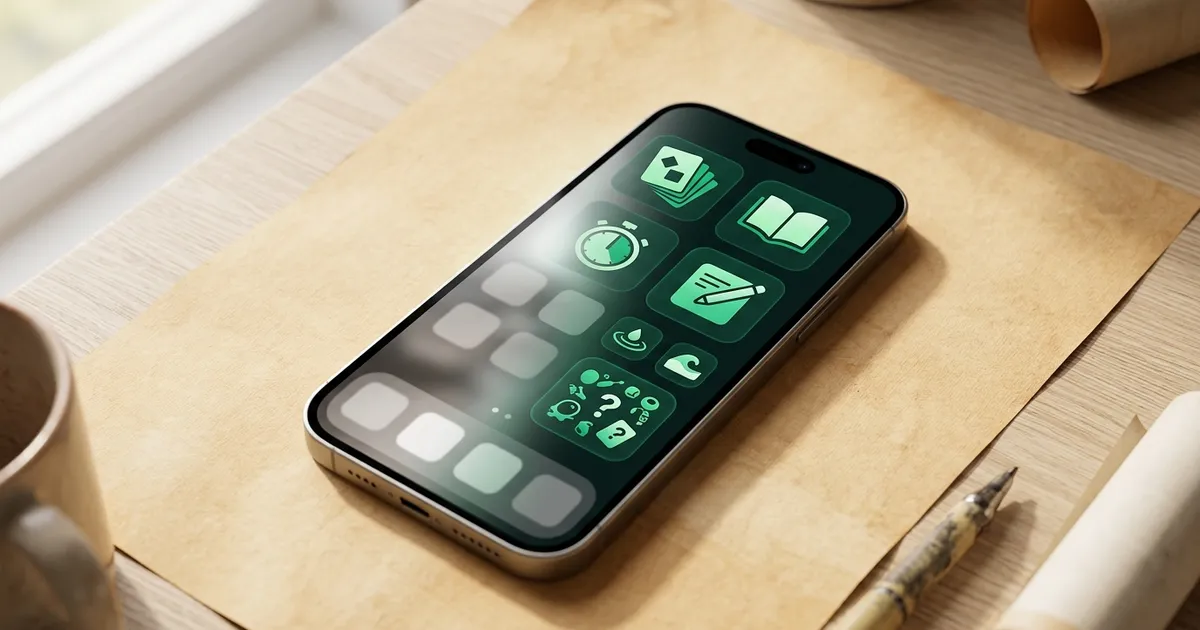
You do not need all ten apps on your home screen. You need a small replacement stack that covers the reasons you reach for your phone.
| Bored-phone need | Best app to open | Why it works |
|---|---|---|
| Novelty | NerdSip | Short learning with a clear payoff |
| Reading | Kindle or Libby | Turns spare minutes into pages |
| Skill practice | Duolingo or Brilliant | Builds a concrete ability |
| Avoidance | Forest | Adds a boundary before the feed wins |
| Stress | Headspace | Regulates the state underneath the habit |
| Ideas | Notion | Captures thoughts instead of losing them |
| Curiosity | Wikipedia, Instapaper, or Feedly | Gives you chosen information, not random feed residue |
My recommended setup is simple: put NerdSip, Kindle or Libby, and Forest or Headspace on the first screen of your phone. Move social apps into a folder that takes at least two taps to reach.
That does not ban social media. It changes the default. Defaults matter because bored phone use is usually not a decision. It is muscle memory.
How to Make the Swap Stick
Do not install ten apps and call it a new personality. Pick one moment and one replacement.
- Waiting in line: open NerdSip and finish one lesson.
- Before bed: open Kindle or Libby instead of a feed.
- When avoiding work: open Forest and start a 15-minute block.
- When anxious: open Headspace and do one short breathing exercise.
- When an idea appears: open Notion and capture it in one sentence.
Keep the first target tiny. A useful phone habit should feel almost too small to count at the beginning. That is how it survives the first week.
The Bottom Line
Your phone is not automatically the problem. The default loop is the problem.
When boredom appears, your brain asks for novelty, ease, and reward. Social media answers that request instantly, but often leaves you with nothing. Productive apps answer the same request with a better result: a concept, a page, a calmer state, a saved idea, a finished timer, a real skill.
Start with one app. Put it where your thumb already goes. Open it the next time boredom reaches for your phone.
Same impulse. Better ending.
Official App Links Mentioned
- NerdSip
- Kindle app guide
- Libby by OverDrive
- Duolingo
- Brilliant
- Forest
- Headspace
- Notion
- Instapaper
- Feedly
Frequently Asked Questions
What is the best productive app to open when bored?
For most people, the best productive app to open when bored is a microlearning app like NerdSip because it gives quick novelty, a clear finish line, and a useful takeaway in the same short window where scrolling usually happens.
What apps should I use instead of social media when bored?
Use a replacement stack: NerdSip for learning, Kindle or Libby for reading, Forest for focus, Headspace for calming down, Notion for capturing ideas, and Instapaper or Feedly for intentional articles instead of algorithmic feeds.
Are productive apps better than deleting social media?
Often, yes. Deleting social media removes the app, but boredom, curiosity, stress, and habit remain. Productive apps work because they give those same moments a better destination.
How do I make my phone less distracting?
Move passive apps off your home screen and put one learning app, one reading app, and one focus or calming app where your thumb already goes. The goal is to make the useful choice easier than the feed.
Every NerdSip course clears a four-layer fact-checking pipeline before it reaches the app: grounded in live sources, scored nightly, gated on failure, and reviewable by a person at one tap. Articles on this blog are drafted with AI assistance, then researched, verified, and edited by our team.
Editorial responsibility: ai51 UG (haftungsbeschränkt). Responsible editor named in the imprint.
📚 Keep Learning
Explore the NerdSip learning hubs
The blog is our editorial layer. When you want to move from reading into doing, these hubs organize the rest of NerdSip by format, including the app itself and the press that has written about it.
Make Bored Phone Time Useful
NerdSip turns the exact moment you would normally scroll into a 5-minute lesson, quiz, course, or audio review. Same phone. Better default.
Courses on this topic
4.7 stars from 380 reviews · 10,000+ learners