Ever wonder what that weird plastic lump on your laptop charger actually does?
Prompted by A NerdSip Learner
Identify and apply ferrite beads to silence electronic noise.
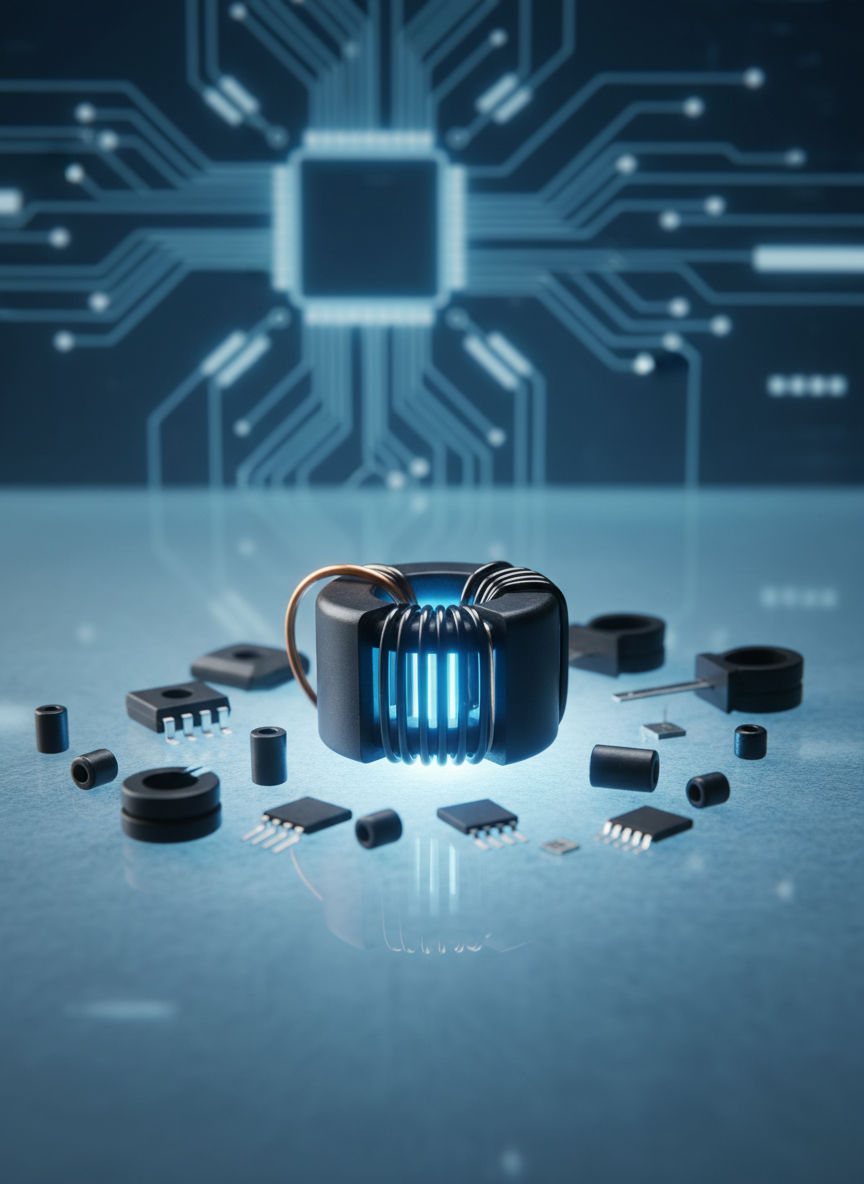
Take a look at your laptop charger or a high-quality USB cable. Notice that cylindrical plastic bulge near the connector? That isn't just a heavy piece of plastic; it’s a Ferrite Bead (also called a ferrite choke or core).
At its heart, a ferrite bead is a passive electronic component made of a ceramic-like material called ferrite, which is a mix of iron oxide and other metals. It is designed to solve a huge problem in our modern world: Electromagnetic Interference (EMI). Without these beads, your electronics would constantly 'talk' to each other through radio waves, causing static in your headphones or glitches in your screen.
Think of a long cable like an unintentional antenna. It naturally picks up and radiates radio signals. The ferrite bead acts as a shield, preventing your power cord from sending out 'noise' that messes with your Wi-Fi or receiving 'noise' from your microwave. It's a simple, cheap, and effective way to keep signals clean!
Key Takeaway
Ferrite beads are passive filters that stop cables from acting like antennas and causing electronic interference.
Test Your Knowledge
What is the primary purpose of a ferrite bead on a power cable?
How does a simple ring of ceramic 'block' noise? It’s all about magnetic permeability and impedance. When electricity flows through a wire, it creates a magnetic field. High-frequency noise creates a rapidly changing magnetic field.
The ferrite material is 'lossy,' meaning it is very good at concentrating these magnetic fields and then dissipating the unwanted energy. When high-frequency interference tries to pass through the bead, the bead resists it by turning that electronic 'noise' into a tiny, harmless amount of heat.
Crucially, ferrite beads are frequency-selective. They allow low-frequency signals (like the 60Hz power from your wall or the steady DC current for your phone) to pass through with almost zero resistance. However, once the frequency hits the 'noise' range (usually 1MHz to 1GHz), the bead's impedance (resistance to AC) sky-rockets, effectively swallowing the noise before it reaches your sensitive device.
Key Takeaway
Ferrite beads use magnetic properties to convert high-frequency electronic noise into tiny amounts of heat energy.
Test Your Knowledge
How does a ferrite bead deal with high-frequency noise energy?
Not all ferrite beads are created equal! Engineers choose different 'flavors' of ferrite based on the noise they need to stop. The two most common types are Manganese-Zinc (MnZn) and Nickel-Zinc (NiZn).
MnZn beads are the heavy lifters for lower frequencies (below 5MHz). You’ll often find these inside power supplies. NiZn beads are the high-speed specialists, working best in the 1MHz to 1GHz range. These are the ones you usually see clamped onto USB or HDMI cables to protect high-speed data.
When using them, placement is key. You want the bead as close to the 'victim' (the device being interfered with) or the 'culprit' (the device making the noise) as possible. If one bead isn't enough, you can even loop the wire through the core multiple times. Each extra loop significantly increases the noise-killing power, but be careful—it also changes the specific frequency range the bead is most effective at!
Key Takeaway
Select NiZn for high-speed data noise and place the bead as close to the connection point as possible for maximum effect.
Test Your Knowledge
Which material is typically best for suppressing noise on high-speed data cables (above 10MHz)?
Track your progress, earn XP, and compete on leaderboards. Download NerdSip to start learning.