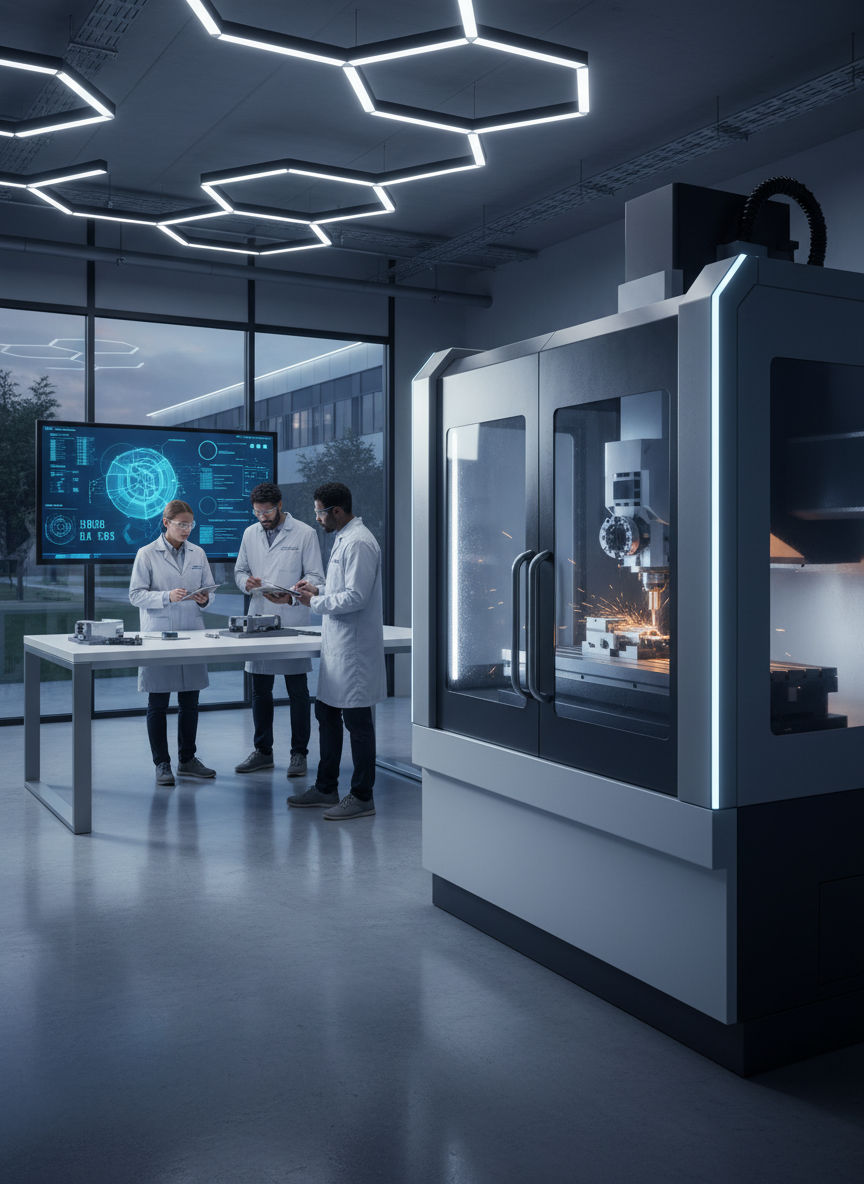
How do you turn digital lines into precision hardware?
Prompted by NerdSip Explorer #3276
Master the full CNC manufacturing workflow from design to finished part.
Imagine a tireless assistant capable of moving tools with sub-millimeter precision. That is exactly what CNC (Computerized Numerical Control) provides to modern industry.
In the past, machinists operated lathes and mills by hand using manual cranks. This required decades of experience and made mass-producing complex parts prone to human error and incredibly expensive.
Today, computers take the wheel. A CNC machine reads digital commands and translates them into precise motor movements. Whether it is wood, plastic, or high-strength titanium, the machine carves the material exactly to plan.
This shift from manual to digital manufacturing built our modern world, from the high-performance engine components in cars to the sleek aluminum frames of our smartphones.
Key Takeaway
CNC uses computers to control machine tools with extreme precision and perfect repeatability.
Test Your Knowledge
Why has CNC largely replaced manual machining?
Before a CNC machine makes its first cut, the entire process begins in the digital realm. This workflow relies on two essential software pillars: CAD and CAM.
First comes CAD (Computer-Aided Design). This is where you design your part virtually in 3D. You define exact dimensions, holes, and curves on your screen. It is essentially your digital blueprint.
However, the machine does not understand 3D images. This is where CAM (Computer-Aided Manufacturing) comes in. The CAM software takes your 3D model and calculates the specific paths the tool must take to carve that shape from a block of raw material.
The CAM system accounts for which tool is being used and how fast it can safely move. The result is a finished program ready to be sent to the machine's controller.
Key Takeaway
CAD is used for designing the part, while CAM calculates how the machine will actually build it.
Test Your Knowledge
What is the role of CAM software in the CNC process?
For a CNC machine to know what to do, it needs explicit instructions. This language is called G-Code, and it is the most widely used programming language in manufacturing.
A G-Code program consists of thousands of simple text lines. Each line contains commands telling the machine exactly where to go, how fast to move, and when to swap tools.
Commands typically start with specific letters. A G-command usually handles movement (e.g., G00 for rapid positioning, G01 for a controlled cut). An M-command (Miscellaneous) handles machine functions like turning on coolant or starting the spindle.
While modern CAM software generates G-Code automatically, CNC pros must know how to read it to troubleshoot errors or make quick adjustments directly on the shop floor.
Key Takeaway
G-Code is the text-based language that tells CNC machines exactly how to move and behave.
Test Your Knowledge
What does a G-command usually represent in G-Code?
To move with pinpoint accuracy, CNC machines utilize the Cartesian coordinate system. Imagine an invisible grid that covers the machine's entire working envelope.
Most standard milling machines operate on three axes. The X-axis moves left and right, the Y-axis moves forward and back, and the Z-axis moves the tool up and down.
Every point in the machine can be defined by these X, Y, and Z values. Once the machine knows its 'zero point' (the starting reference on the material), it can navigate to any position with micron-level precision.
Advanced machines often feature additional rotating axes. In a 5-axis CNC machine, the tool can not only move in all directions but also tilt and pivot to carve incredibly complex shapes in a single setup.
Key Takeaway
CNC machines navigate using an X-Y-Z grid, with advanced systems using extra axes for complex geometries.
Test Your Knowledge
Which movement does the Z-axis control on a typical 3-axis mill?
The best software and most expensive machines are useless without the right cutting tool. In CNC machining, we often use end mills equipped with razor-sharp, hardened edges.
The material you are cutting dictates everything. Aluminum behaves differently than hardened steel. Therefore, two critical parameters must be perfectly calibrated: Speed and Feed.
Speed determines how fast the tool spins. Feed determines how fast the tool travels through the material. If the speed is too high and the feed too low, the tool will just rub, generating heat and burning the material.
When the ratio is perfect, heat and waste material are efficiently removed in the form of chips. This synergy of software, hardware, and physics is the magic of CNC manufacturing.
Key Takeaway
CNC success depends on the perfect combination of the right tool, spindle speed, and feed rate.
Test Your Knowledge
What typically happens if cutting parameters like speed and feed are set incorrectly?
Track your progress, earn XP, and compete on leaderboards. Download NerdSip to start learning.